
| รายละเอียด
หลักสูตรนี้เหมาะสำหรับนักพัฒนาและวิศวกรซอฟต์แวร์ที่ต้องการสร้างและใช้งาน MCP Server อย่างเป็นระบบ ทั้งผู้ที่ทำงานด้าน AI Integration, Back-end Developer, Data Engineer, รวมถึงผู้ที่ต้องการประยุกต์ใช้ Agentic AI ในงานจริง ไม่ว่าจะเป็นการเชื่อมต่อฐานข้อมูล ระบบ RAG หรือการใช้ External APIs เพื่อสร้างแอปพลิเคชัน AI แบบ end-to-end ในองค์กร.
ระยะเวลา 3 วัน (9:00 – 16:30 น.)
💰 หลักสูตรของสถาบันไอเอ็มซี สามารถยื่นรับรองหลักสูตรและลดหย่อนภาษีได้ 200%
โปรโมชันพิเศษ เพียงลงทะเบียนหลักสูตร รับ Claude AI ใช้งานฟรี 1 เดือน
หลักสูตรนี้เหมาะกับ
- นักพัฒนา Software / Back-end Developer ที่ต้องการสร้างและใช้งาน MCP Server
- AI Engineer / Data Engineer ที่ต้องการเชื่อมต่อระบบ AI กับฐานข้อมูล MSSQL, RAG หรือ Vector DB
- Developer ที่ต้องการสร้าง AI Agents และ Agentic Workflows ด้วย LangFlow หรือ n8n
- ทีมที่ต้องการ Integrate ระบบกับ External APIs เพื่อสร้าง AI Applications แบบ end-to-end
- ผู้ที่ต้องการอัปสกิลด้าน MCP, AI Integration และการทำงานร่วมกับระบบ Production-ready ผ่าน Docker
คุณสมบัติของผู้เข้าอบรม
- มีพื้นฐานการเขียนโปรแกรม Python ในระดับปฏิบัติได้
- มีความเข้าใจเบื้องต้นเกี่ยวกับ API
- มีความคุ้นเคยในการใช้งาน Docker หรือมีพื้นฐานเกี่ยวกับ Containerization มาบ้าง
- สามารถใช้ Terminal / Command Line ในระดับที่ทำงานตามขั้นตอนการติดตั้งและทดสอบโปรแกรมได้
- เข้าใจพื้นฐานการทำงานของฐานข้อมูล เช่น MSSQL หรือระบบฐานข้อมูลทั่วไป
สิ่งที่ผู้เรียนต้องเตรียม
- เครื่องคอมพิวเตอร์ที่ติดตั้ง Docker Desktop มาพร้อมใช้งานแล้ว และสามารถติดตั้งซอฟต์แวร์อื่น ๆ เพิ่มเติมได้ระหว่างเรียน
- เครื่องคอมพิวเตอร์ที่ไม่ปิดกั้นการเข้าถึงอินเทอร์เน็ตใดๆ
คอร์สนี้เน้น hands-on 70% โดยทุก module จะมี live coding และ labs ให้ผู้เรียนได้ลงมือทำจริง
 ประโยชน์ที่ได้รับ
- ออกแบบและสร้าง MCP servers ด้วย FastMCP
- Deploy MCP servers แบบ production-ready ด้วย Docker
- Implement MCP servers ด้วย stdio และ SSE transport
- Deploy MCP servers สำหรับ MSSQL, RAG, และ Vector Databases
- Integrate MCP กับ external APIs (กรมอุตุฯ)
- Implement agentic AI workflows ด้วย LangFlow/n8n
- Troubleshoot MCP implementations ผ่าน server logs
- สร้าง end-to-end AI applications สำหรับ real-world use cases
| เนื้อหาในการอบรม
วันที่ 1: MCP Fundamentals & First Server Implementation
🔹Module 1.1: Introduction to Model Context Protocol
09:00 - 10:30 น. (รศ.ดร.ธนชาติ นุ่มนนท์)
▪️แนวโน้ม Generative AI Development
▪️ทิศทางการพัฒนา Agentic AI และ Tools สำหรับ Agents
10:45 - 12:00 น. (อาจารย์เอกอนันต์ ทองแท้)
▪️MCP คืออะไร และทำไมสำคัญในยุค AI
▪️Architecture Overview: Client-Server-Transport layers
▪️MCP Core concepts
▪️Use cases และ real-world applications
🔹Module 1.2: การจัดเตรียม environment สำหรับการติดตั้ง MCP Server
▪️Python environment และ FastMCP installation
▪️Docker fundamentals สำหรับ MCP deployment
▪️Claude Desktop หรือ MCP client configuration
▪️การทดสอบ connection แรก
▪️Hands-on Lab 1: Setup development environment และ verify installation
🔹Module 1.3: ติดตั้ง MCP Server
▪️สร้าง MCP server instance พื้นฐาน
▪️Decorator pattern: @mcp.tool, @mcp.resource
▪️Docstrings สำหรับ AI understanding Error handling
▪️Hands-on Lab 2: Installation of MCP Server for MSSQL
▪️Hands-on Lab 3: Installation of MCP Server for RAG and Vector Database
🔹Module 1.4: Testing & Troubleshooting
▪️การทดสอบ tools
▪️Troubleshooting จาก MCP server logs
▪️Hands-on Lab 4: เชื่อมต่อ server กับ Claude Desktop และทดสอบ tools
วันที่ 2: Build your MCP Server and SSE Deployment
🔹Module 2.1: MCP Server with stdio Transport
▪️stdio transport pattern และ architecture
▪️Standard input/output communication
▪️Process management และ lifecycle
▪️Debugging studio-based servers
▪️Hands-on Lab 5: Build your MCP Server for Earthquake API (stdio)
🔹Module 2.2: MCP Server with SSE Transport
▪️Server-Sent Events (SSE) architecture
▪️HTTP-based MCP communication
▪️Real-time streaming และ event handling
▪️stdio vs SSE: trade-offs และ use cases
▪️Containerization for SSE deployment
▪️Hands-on Lab 6: Build your MCP Server for EarthQuake API (SSE) with Containerization
▪️Hands-on Lab 7: Use MCP Server for MSSQL (SSE) with Containerization
▪️Hands-on Lab 8: Use MCP Server for RAG & Vector DB (SSE) with Containerization
วันที่ 3: Agentic AI & Demo Use Cases
🔹Module 3.1: Introduction to Agentic AI
▪️Agentic AI คืออะไร และแตกต่างจาก traditional AI อย่างไร
▪️Agent architectures: ReAct, Reflection, Tool-calling patterns
▪️Multi-agent systems และ collaboration patterns
▪️Decision-making processes และ reasoning loops
▪️กิจกรรม: วิเคราะห์ real-world agentic AI use cases
🔹Module 3.2: Building Agentic Workflows
▪️LangFlow basics: Visual AI workflow builder
▪️n8n integration: Workflow orchestration
▪️Agent + MCP integration patterns
▪️Tool orchestration และ conditional logic
▪️Hands-on Lab 11: สร้าง simple agent ด้วย LangFlow + MCP server
▪️Hands-on Lab 12: Design workflow ใน n8n ที่เรียกใช้ MCP tools
บ่าย: Demo Use Cases & Capstone Project
🔹Module 3.3: Demo Use Cases
▪️Use Case 1: Customer Support Agent
▪️Use Case 2: Data Analysis Assistant
🔹Capstone Project
▪️Project planning และ architecture design
▪️Implementation (hands-on coding)
▪️Demo presentations และ feedback
| ผู้สอน
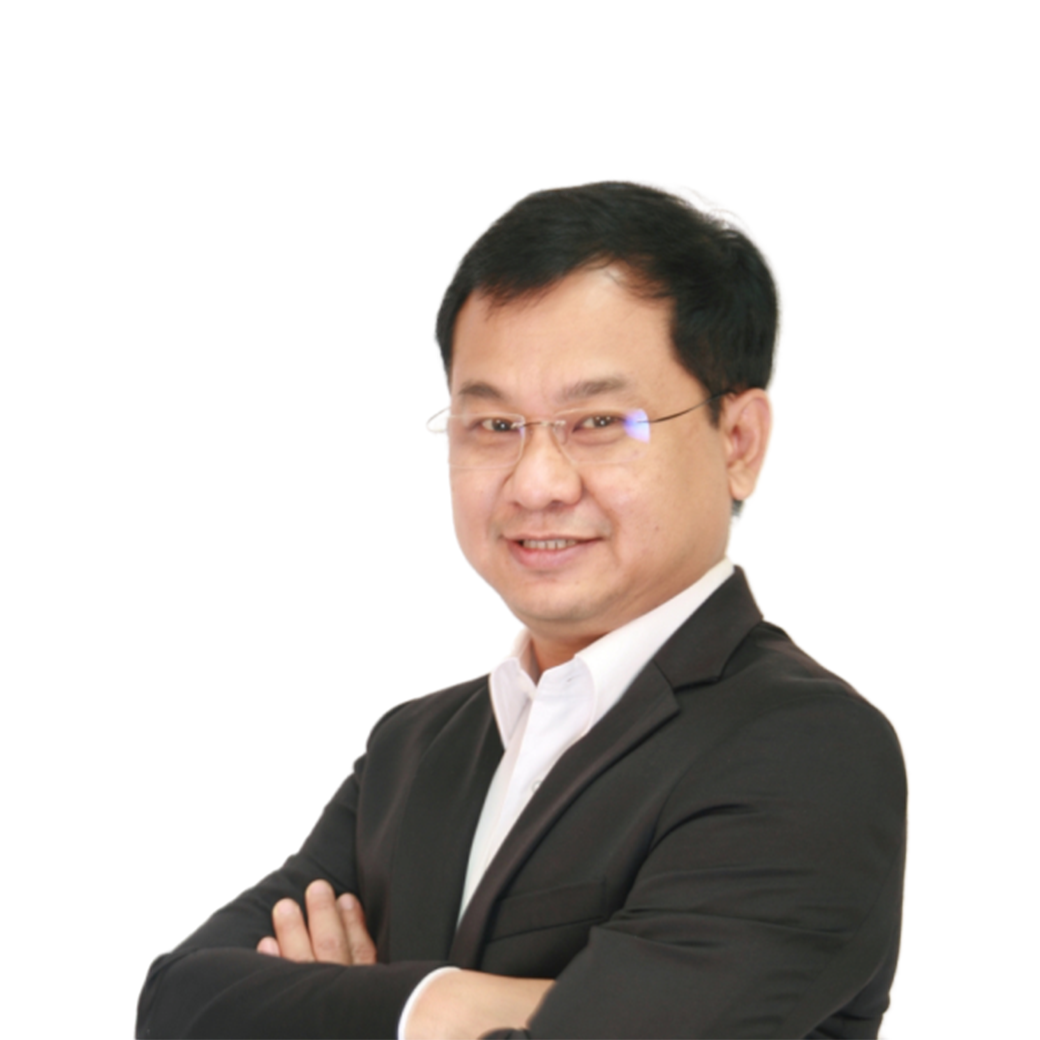
Assoc.Prof.Dr.Thanachart Numnonda (ดูโปรไฟล์ >>ที่นี่)
- ผู้อำนวยการ สถาบันไอเอ็มซี
- ประธานกรรมการบริหารความเสี่ยงและ กรรมการอิสระ บริษัท ทุนธนชาต จำกัด (มหาชน), ประธานกรรมการบริษัท สยามอีสต์โซลูชั่น จำกัด (มหาชน), กรรมการอิสระบริษัท วินท์คอมเทคโนโลยี จำกัด (มหาชน) และกรรมการอิสระบริษัท ฮิวแมนนีก้า จำกัด (มหาชน)
- กรรมการผู้ทรงคุณวุฒิ สภามหาวิทยาลัยอุบลราชธานี สภามหาวิทยาลัยขอนแก่น และ สภามหาวิทยาลัยบูรพา
- Google Cloud Certified Professional Data Engineer, Feb 2020
- Cloud Technology Associate, Mar 2014
- CompTIA Cloud Essentials
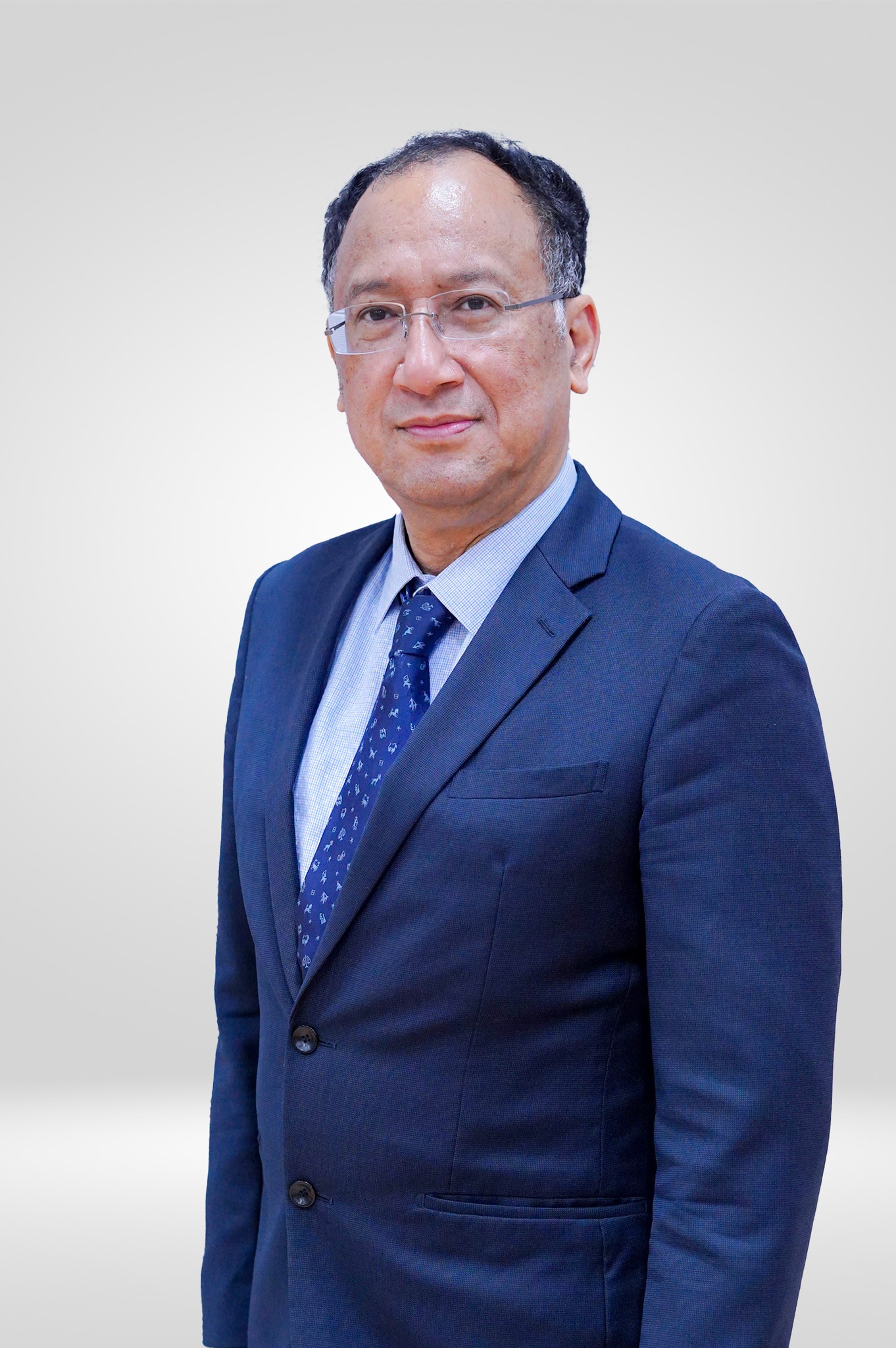
Mr. Aekanun Thongtae (ดูโปรไฟล์ >>ที่นี่)
- CTO , Bangkok First Tech
- Big Data Consultant at IMC Institute
- Former Manager of Architecture and Prototype at EGA
- Former Manager of Research and Development at EGA
- Guest Lecturer in Many University, Courses of Data Mining and Information Security
- Former Director of Relations Network at Student Loan Fund